Netweb Technologies launched Skylus Workspaces in India on 27 November, bringing virtual desktops, business applications and access to shared AI computing under a single enterprise platform. For Indian IT teams, the practical question is whether a pooled setup can handle a routine office session and a demanding GPU workload at the same time, without either becoming harder to run.
What Netweb announced
In its launch release filed with BSE, Netweb described a browser-accessible platform for applications, Windows and Linux virtual desktops, and container environments. It also announced GPU-enabled resources and high-performance computing access for specialised users. The platform is designed to run on a customer’s premises or in a private cloud. Netweb’s separate product filing with NSE says the launch is currently in India, although the product is intended for both domestic and international markets.
A remote desktop delivers a hosted desktop to a user. The proposition here goes further: a developer could use a provisioned environment while another team shares access to accelerated computing, with administrators assigning different resources and permissions. The release describes identity integration, role-based access and policy controls. It does not include launch pricing, concurrent-user benchmarks or results from named production deployments. Those controls and performance claims still need to be checked against a buyer’s actual environment.
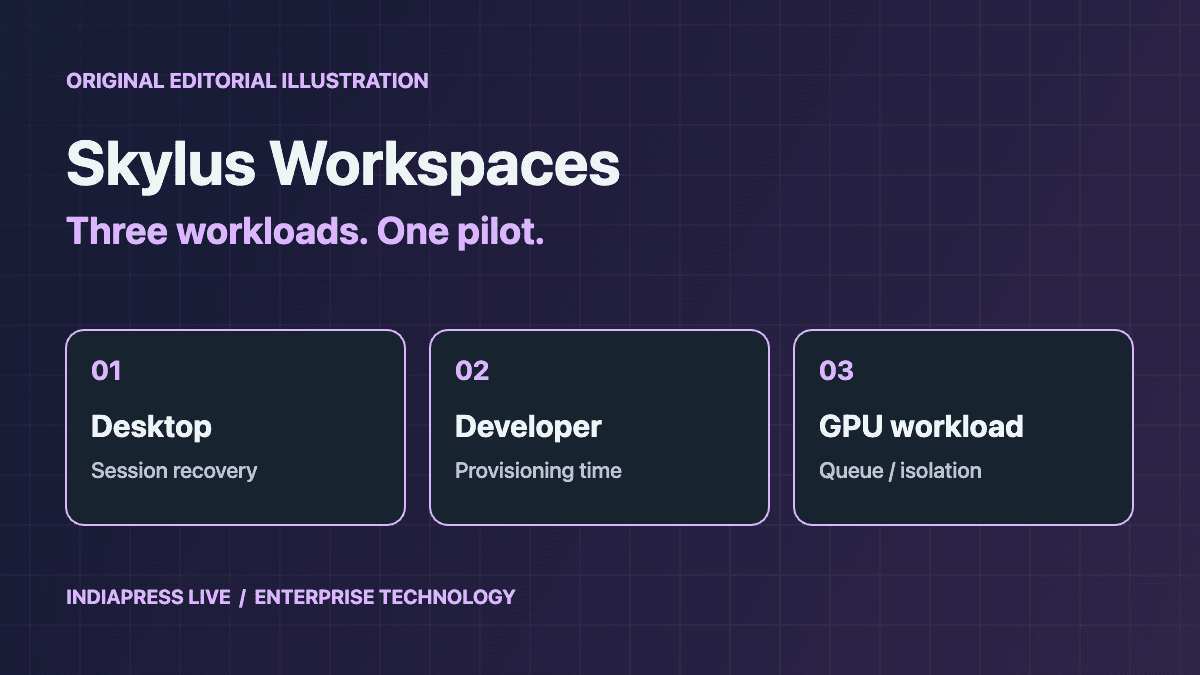
How to test three workloads in a single pilot
The following checks are an evaluation template, not performance results for Skylus. Run the same tasks on your current setup first. Use representative staff, test accounts and non-sensitive sample data. Set a pass threshold from your own baseline and support commitments before seeing the pilot numbers.
- Office session: Have a user open a representative internal application and work on a sample document from a typical branch connection. Run this during the GPU test, not in an empty environment. Record time to a usable desktop, whether the application remains responsive, and whether the session and unsaved work survive a controlled disconnect and reconnect.
- Developer setup: Give a new test user an approved Linux or container environment. Measure time from access approval to a successful test build, and record any steps that still require administrator intervention. Check that work persists after a session restart and that the test user cannot see another team’s sample folders.
- Shared GPU job: Have two approved users submit the same benchmark workload close together. Log queue wait separately from execution time, resource limits, and whether both users can retrieve only their own outputs. Ask an administrator to show how usage and job failures are attributed to teams rather than relying on a platform-wide utilisation figure.
Read the results under load, not just in a demo
Run each task once in isolation, then repeat it while the other two workloads are active. Use the same test date window, branch connection and sample dataset for your comparison. If a GPU queue gets longer but office sessions remain stable, the next question is capacity for that GPU workload, not necessarily replacement of the entire workspace setup. If the office session slows only during the mixed test, record the time and ask the supplier which shared component was saturated. Avoid averaging results across workloads: a fast office login does not offset a simulation that misses its overnight deadline.
Use a second run to rehearse handover to your support team. Have a different administrator locate a failed job from the timestamp and test account without help from the vendor’s demo operator. Record whether they can identify the owner, find the failure and document the next step from tools their team would actually receive. A pilot that needs a specialist at every step may still be technically viable, but that support dependency belongs in the decision.
Compare costs on an equivalent workload
Ask for quotes that cover the same working hours, peak simultaneous sessions and recovery expectations as your existing environment. Then separate fixed costs such as licensing and administration from variable costs such as GPU capacity and storage. Treat any assumed utilisation savings as a scenario, not a result. Before signing off, write down which findings came from the pilot, which came from the supplier, and which still need a contract or an independent check.
What to put in the buying decision
Record the baseline, candidate result, pass threshold and owner for each test. Ask which GPUs, hypervisors and identity providers are supported in your configuration, and obtain written pricing for concurrent users, GPU access and support. Before planning a migration, clarify how to export workspaces, files and audit logs and who owns incident recovery on a private deployment.
For teams that already operate virtual desktops, the first useful comparison is not a new desktop against an old desktop. It is the cost and reliability of keeping developer and GPU workflows separate versus running them together. The India launch establishes that Netweb is offering that choice; it does not establish that consolidation will be cheaper or faster for a given team.