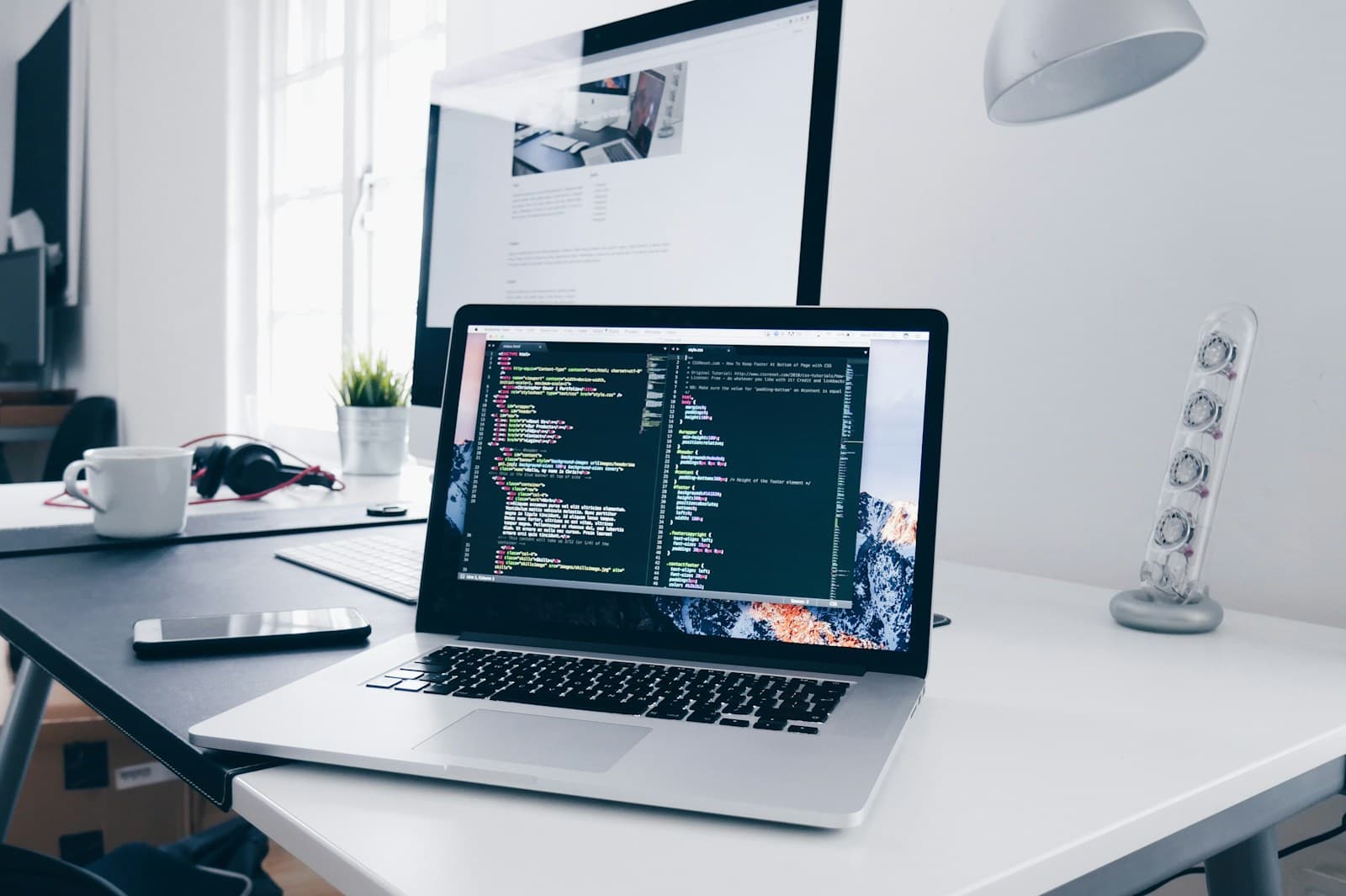
Indian creators now have a new hardware choice to consider: Asus launched ProArt P14 and P16 laptops built around NVIDIA’s RTX Spark N1X platform, with prices starting at ₹3,29,990. The manufacturer pitches the systems for local AI work, where compatible models run on the device. That can appeal to studios that handle client files, but the purchase only makes sense if the applications and workloads you use benefit from local compute.
A laptop running an AI model locally is not automatically more private, cheaper or faster than a cloud service. Those outcomes depend on which model is used, what data the application transmits, the hardware configuration and how frequently the workload runs. A creator should compare the total workflow rather than buy based on the phrase “AI PC.”
When local processing can be useful
Local inference can reduce the need to upload a file to a remote model for some compatible tasks. That may matter when a studio works with unreleased product images, client footage or confidential design drafts. It can also be useful when internet access is unstable or when a repeated task requires low latency. The benefit is strongest when the app truly supports on-device processing and the model fits the available memory.
Local compute has limits. Large models can demand substantial memory and storage, and a laptop’s sustained speed can vary with cooling and power settings. Some applications still depend on cloud services for asset search, collaboration, account sync or the model itself. A team should inspect network activity and product settings before promising clients that work remains on the device.
When cloud tools may be the better choice
Cloud models can provide access to larger or frequently updated systems without a multi-lakh hardware purchase. They can also scale for occasional bursts: a studio may need an AI service for a few large jobs each month rather than all day. The trade-offs include recurring usage fees, connectivity, service terms and a need to manage what data leaves the organisation.
Compare total cost across the same period. Include laptop purchase, warranty, repair, accessories, storage and software subscriptions. For cloud use, estimate monthly volume under normal and peak demand, plus possible overages. A creator who uses a tool only occasionally may find a cloud subscription cheaper; a high-volume workflow might justify a workstation. The calculation should use the actual workload and product pricing, not a general claim that one approach always costs less.
Check software support before you choose hardware
Creative applications vary in how they use CPU, GPU, unified memory and AI accelerators. Confirm the exact software version supports the platform and any local model features you need. Ask whether plugins, colour tools, fonts, audio interfaces and storage devices remain compatible. A fast processor does not help if the team’s primary application cannot use it efficiently.
For a studio with a fixed workflow, test a representative project on a demo system if possible. Try a long export, a complex timeline or a model prompt using permitted sample files. Watch for slowdowns after sustained work, fan noise, battery drain and any limits on model size. A brief showroom demonstration cannot answer those questions fully, but it can help detect basic compatibility issues.
Set a privacy boundary for both approaches
With a local model, ask where prompts, embeddings, caches and telemetry are stored. Does the application send diagnostic data to a vendor? Does it download model updates? Can an employee accidentally switch to a cloud mode? Local execution can reduce some exposure, but it does not eliminate account security, malware, backups or device-loss risks.
With a cloud model, check retention, training use, data location, deletion and subprocessors. Business accounts may have different settings from free consumer tools. Create a written rule for which client files can be used with AI, who approves exceptions and what to do if data is sent to the wrong service. These controls should apply consistently across the team, regardless of laptop brand.
How to run a practical cost test
Select three tasks that represent a normal week: for example, rough footage transcription, image cleanup and first-pass storyboard generation. Measure the time and quality using current tools, then compare the local device and a cloud service on the same source files. Note how much manual correction is needed. An output that is fast but requires extensive editing may not save money.
Make the comparison over a twelve-month period. Include the value of staff time, subscriptions, electricity and likely repair costs. If the laptop is also used for standard editing, allocate part of the cost to that existing work rather than attributing the entire device to AI. This simple model prevents the AI feature from being credited for savings that came from a broader hardware refresh.
IndiaPress has published a product-specific Indian laptop buying guide. Use it alongside this workflow checklist: one page explains the announced hardware options, while this one focuses on how to decide between local and cloud processing.
Who should wait before buying
Creators whose work is mostly web browsing, office documents or occasional lightweight editing may not benefit from paying for a high-memory AI workstation. Teams that rely on applications not yet optimised for the new platform should wait for compatibility reports. Buyers who need a guaranteed display, battery or performance profile should review independent tests after retail units have been evaluated for sustained workloads.
Professional studios with sensitive assets may still choose cloud tools if their contract and privacy controls are acceptable. Conversely, a local model may be valuable even for a small team if it reliably handles a frequent, private workflow. The decision should follow evidence about the task, not a broad claim that local AI is always the right answer.
Conclusion
The ProArt launch makes local AI a concrete option for Indian creators, but the value depends on workload frequency, software support, memory needs and data rules. Compare local and cloud costs using the same tasks, verify what actually runs on-device and include the full ownership cost. If your current work rarely uses these capabilities, waiting for independent tests may be the more practical choice.
Source: Asus India’s ProArt RTX Spark product and local-AI information.